How to Speed Up an Old Laptop Without Buying Anything
Five free fixes that take a sluggish five-year-old laptop from frustrating to fast in under an hour.
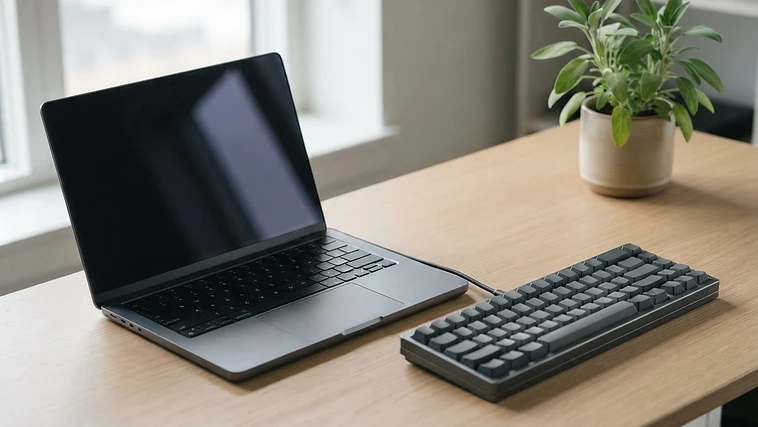
Why laptops slow down
Age isn't the problem — software bloat is. Over years, background apps, startup entries, and cached files choke the hardware. These five free fixes address each cause directly.
1. Trim your startup programs
Most slowdowns happen before you even open an app. On Windows, open Task Manager → Startup. On Mac, System Settings → General → Login Items. Disable everything you don't use daily. You'll feel the difference on the next boot.
2. Free up 20% of your disk
A full disk slows every operation. Aim to keep at least 20% free. Delete old downloads, empty the trash, and run the built-in disk cleanup tool. Move large media to an external drive or cloud.
3. Uninstall what you don't use
Scroll your app list honestly. Anything you haven't opened in six months is taking space and possibly running background services. Remove it.
4. Switch to a lighter browser
Chrome is a memory hog. Try Edge, Firefox, or Brave — they use 30–50% less RAM on older machines. Keep one bookmark bar, and limit extensions to three.
5. Adjust power settings
Many laptops ship in "balanced" mode that throttles performance. Switch to "high performance" (Windows) or "best performance" (Mac) when plugged in. The battery trade-off is worth it for a desktop-replacement machine.
A five-year-old laptop with a clean system outperforms a new one buried in bloatware. Software, not silicon, is usually the bottleneck.
Newsletter
Get new guides in your inbox
Practical how-tos, one a week. No fluff, unsubscribe anytime.
Keep reading
Related guides

How to Organize 10,000 Digital Photos Without Losing Your Mind
A folder system that turns a chaotic camera roll into a searchable archive in one afternoon.
Read guideHow to Clean a Laptop Keyboard Safely
Unlike a desktop keyboard, you can't just pop the keys off. Here's how to clean a laptop keyboard thoroughly without risking the switches underneath.
Read guideHow to Fix a Slow WiFi Connection at Home
Slow WiFi is rarely just "bad internet" — it's usually router placement, interference, or too many devices. Here's how to fix it in order, easiest first.
Read guide